








 豆包
 夸克
 搜狗输入法
 360压缩
 百度网盘
 鲁大师
 Microsoft Excel 2020
 360安全浏览器
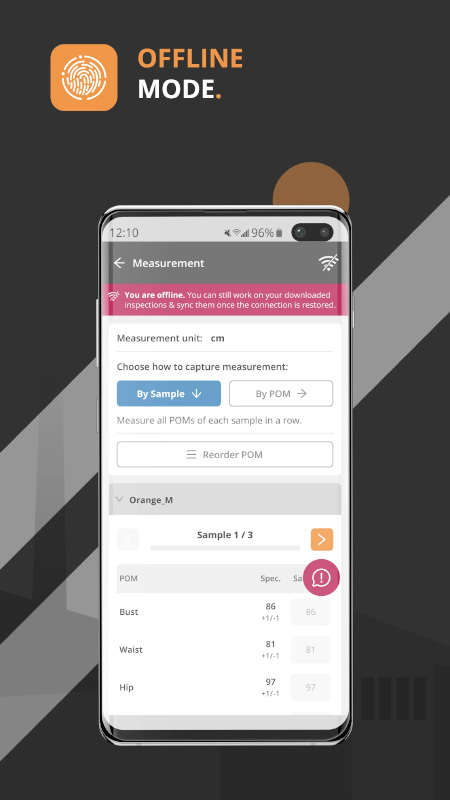
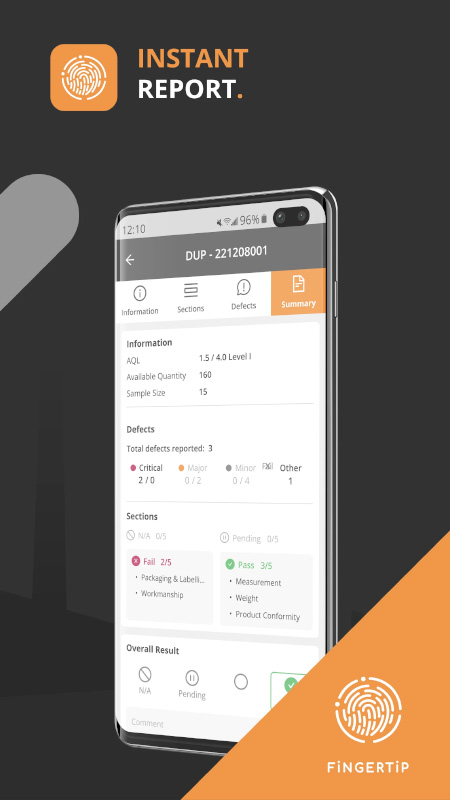
Fingertip: Digital QA QC电脑版介绍:Fingertip是一款革新性的数字质检应用,旨在帮助用户快速完成质量检查。该应用操作简便,支持在线和离线使用,使检验员能够便捷准确地记录缺陷并现场测量产品。即使在无网络环境下,检验工作也可持续进行,所有数据将安全保存并在重新联网后自动同步。应用还能一键生成即时报告,简化分析流程,显著提升质检效率,助力用户轻松实现高质量项目验收。
应用介绍
Introducing Fingertip: a revolutionary new app to help with digital quality inspections and make sure you can get the job done – fast. It's designed to be easy-to-use, whether or not you have access to the internet.
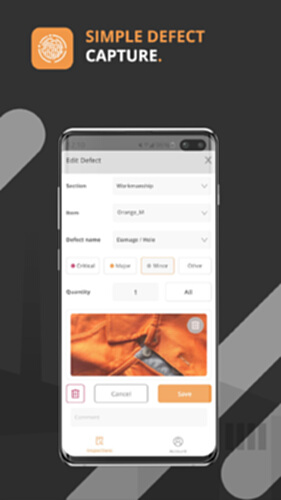
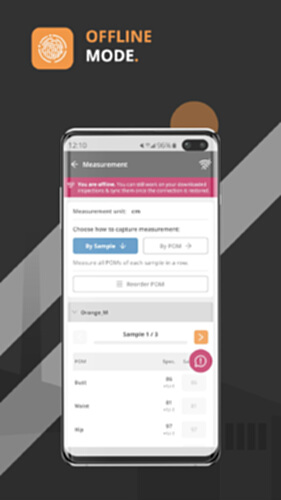
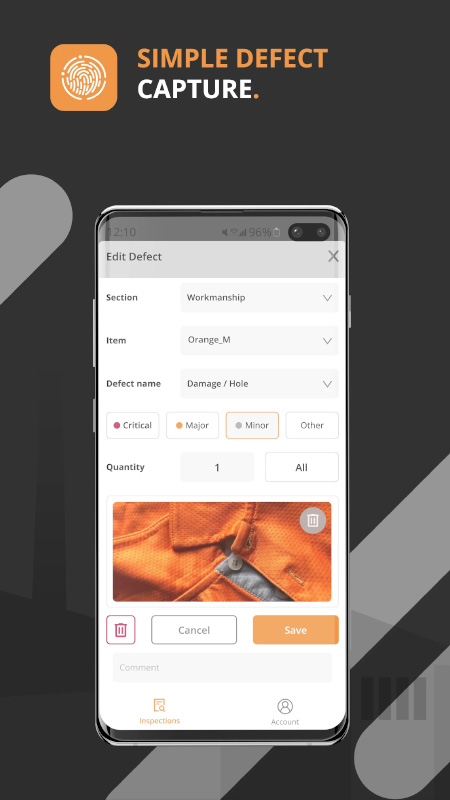
Fingertip makes defect capturing simple and accurate. Inspectors can instantly record any defects they see in detail using their device, as well as measure products accurately on the spot. Furthermore, inspectors don't need to worry about lost results since they can still continue without an internet connection. With Fingertip, all results are securely stored and synced when back online.
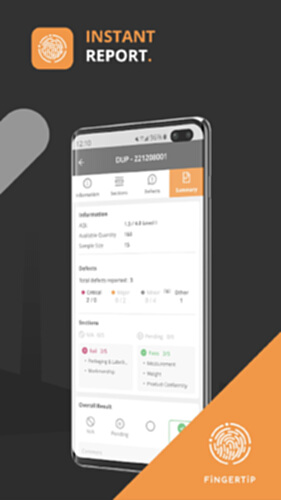
Generating reports is also a breeze – simply submit inspections and instant reports will generate for your analysis. Even for inspectors who are always on the go, Fingertip allows them to speed up the whole process by conducting inspections offline before submitting when they become connected again.
With Fingertip as your quality inspection assistant, acceptance of high-quality items has never been easier! Download now and start streamlining your digital quality inspection process today!

更新日志
提升体验,修复部分问题。
安装教程
特别说明:当前应用官方尚未出品对应的电脑版,可通过安卓模拟器运行官方正版应用apk包的形式满足电脑端使用需求,以下是安装步骤:
1、首先从本站下载文件压缩包,压缩包中包含一个安卓模拟器360手游助手exe安装程序和一个目标应用的APK文件,先将压缩包解压。
2、解压后先双击运行360zhushou.exe文件。
3、双击后,等待360手游助手的运行。
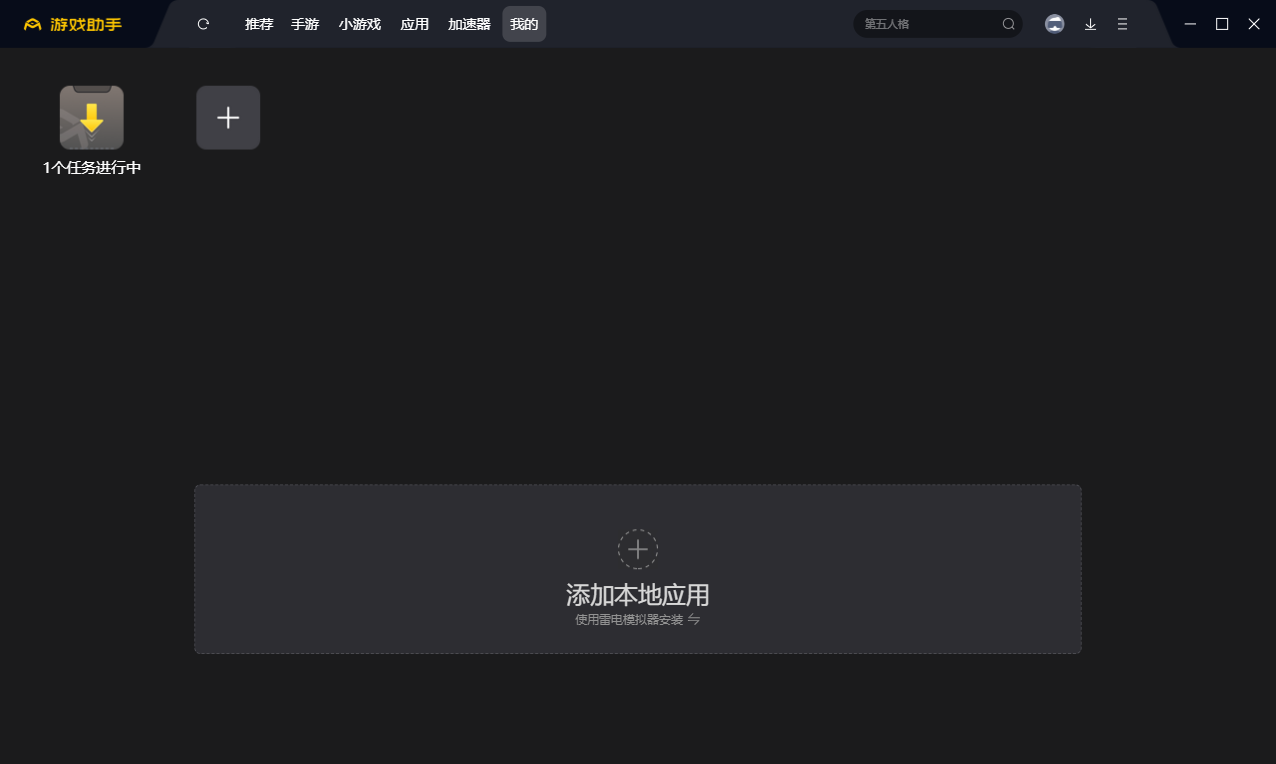
4、点击添加本地应用,按路径寻找刚刚解压包目录内的APK包,双击即可。
5、初次运行需等待4-5分钟,加载模拟器环境,出现应用图标即可运行了。后期再次运行时,已有模拟器环境,则可快速的启动。
小编寄语
Fingertip: Digital QA QC是大家都很熟悉的一款安卓应用,用户群体非常广泛,简单易上手,非常方便。PC下载网小编还为大家整理了其他几款备受用户好评的安卓应用,爱乐奇,京师国学堂,UU艺术留学,有需要的同学直接点击下载即可!